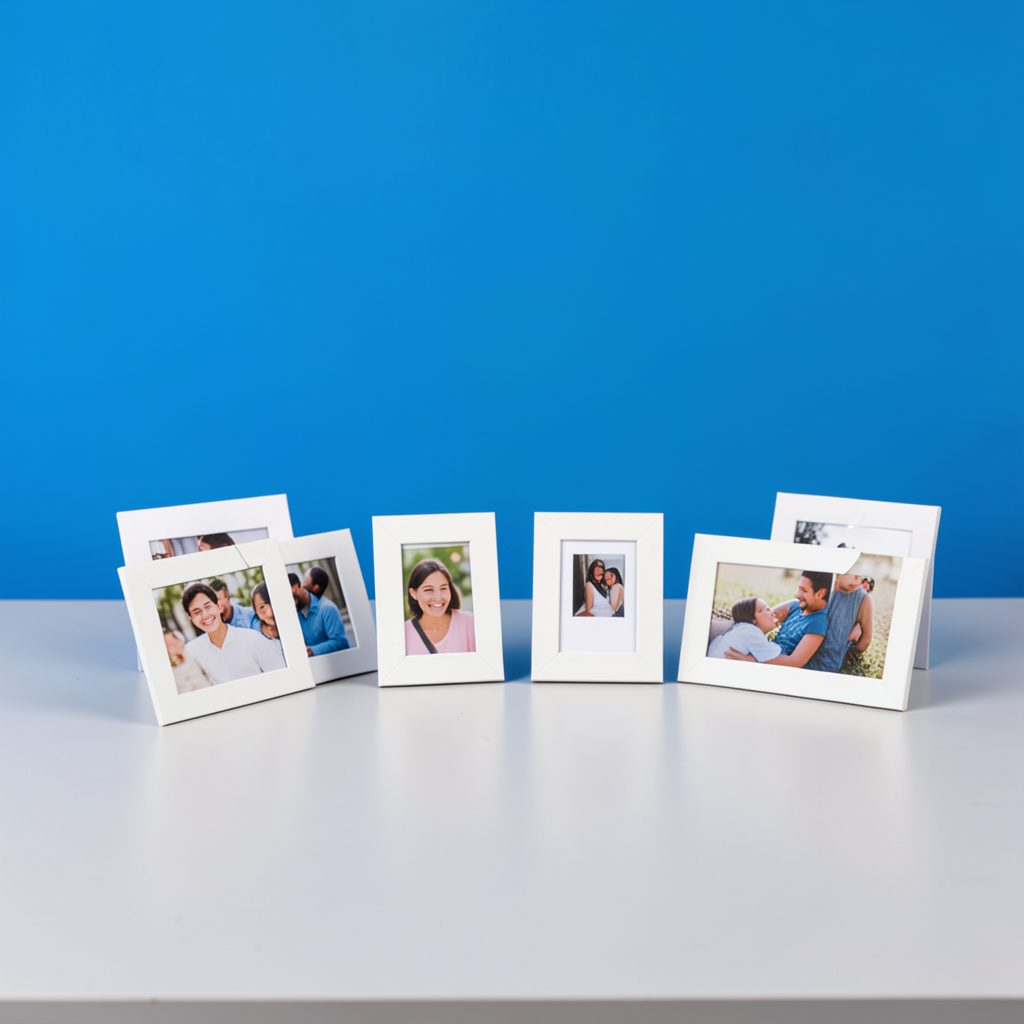
How to Create a Good Morning Photo Collage for Family
A family morning collage can turn several ordinary snapshots into one warm, shareable greeting. It may include sleepy smiles, breakfast moments, flowers from the garden, a favorite family saying, or a sunrise that feels like a fresh beginning. When combined thoughtfully, these details create an image that feels personal rather than generic.
A good morning photo collage does not require advanced design skills. A phone, a few meaningful pictures, and a simple editing app are enough to make a polished family message. The most important choices are the mood, arrangement, colors, and words that connect the images.
The finished design can be sent through a family chat, posted as a social update, or shared as a digital greeting card. It can also become a recurring tradition, with a new collage prepared for birthdays, holidays, reunions, or everyday encouragement.
Choose A Meaningful Theme
Start by deciding what the collage should communicate. A cheerful breakfast theme works well for a casual weekday greeting, while a floral design can express affection and appreciation. For a family member living far away, use pictures that create a sense of closeness, such as shared holidays, childhood memories, or familiar places.
You can also build the design around a short message. “Good morning, family,” “Wishing you a peaceful day,” and “Sending love from our home to yours” are simple phrases that suit many occasions. If the collage is intended for a sister who is away, pair the images with warm wording inspired by these messages for a sister, then adjust the tone to match your family’s relationship.
Keep the emotional direction consistent. A collage filled with humorous pictures may feel awkward if the text is deeply sentimental, while a prayerful message may need calmer images and softer colors. A clear theme helps every design element support the same feeling.
Collect And Prepare Family Photos
Choose between three and six images before opening an editing app. Too many pictures can make the final design crowded, especially when it will be viewed on a small phone screen. Select photos with different compositions, such as a close-up portrait, a group photo, a landscape, and a detail from daily life.
Check each image for quality and relevance. Bright, well-focused photographs are easier to arrange, but a slightly imperfect picture may have greater emotional value than a professionally posed one. Remove duplicate images and avoid including pictures that show private information, cluttered backgrounds, or people who may not want their image shared publicly.
Crop photographs before placing them into the collage. A portrait may need a vertical crop, while a sunrise or family table scene may look better in a wide frame. Try to keep faces visible and avoid cutting through important features. Consistent cropping gives the final greeting a more intentional appearance.
Build A Balanced Layout
Begin with a simple grid if you want an orderly family photo montage. Equal-sized squares or rectangles make the collage easy to scan and leave room for a greeting at the top or bottom. For a softer, scrapbook-inspired style, combine one larger central photo with smaller supporting images around it.
Visual balance matters more than perfect symmetry. If one photograph has a strong color or a large group of people, place it near a quieter image so the design does not feel heavy on one side. Keep the most important picture in a prominent position, often in the center or upper section.
Leave enough empty space around the text. A message placed over busy clothing, foliage, or patterned wallpaper can be difficult to read. Use a translucent color block, a gentle shadow, or a plain border behind the words instead of covering faces with large lettering.
Compare Tools And File Choices
Different editing methods suit different levels of experience. A phone app is convenient for quick greetings, while a desktop editor offers greater control over spacing, typography, and image quality. Browser-based design platforms can be useful when several relatives are helping with the same project.
| Method | Best For | Strengths | Watch For |
|---|---|---|---|
| Phone collage app | Fast daily greetings | Simple templates and easy sharing | Limited customization |
| Browser design tool | Polished family cards | More fonts, frames, and layouts | May require an account |
| Desktop photo editor | Detailed creative work | Precise cropping and layering | Steeper learning curve |
| Shared family album | Collaborative projects | Relatives can add their own photos | Less control over final style |
| Messaging app collage feature | Immediate sending | Convenient and familiar | Compression may reduce quality |
Export the design in a format suited to its purpose. JPEG works well for messaging and social media, while PNG can preserve crisp text and transparent elements. Save an original high-resolution version before sending a compressed copy, especially if you may print the greeting later.
Add Words And Decorative Details
Typography should support the photos rather than compete with them. Choose one readable font for the main greeting and, at most, a second style for a short signature. Rounded lettering can create a friendly mood, while a clean sans-serif font often looks modern and clear.
Use colors drawn from the images whenever possible. Warm yellow, pale orange, soft green, and sky blue are natural choices for a morning theme. Dark text works well on light backgrounds, and white lettering can stand out against a darker image with a subtle outline or shadow.
Small decorative elements can add personality. Include a sunrise, coffee cup, flower, heart, or gentle sparkle if it matches the family’s style. Avoid filling every open space with stickers. A few carefully placed accents usually create a more elegant result than a crowded collection of icons.
A personal signature can make the greeting feel more intimate. Add “With love,” a family nickname, the sender’s name, or the date. For a recurring morning message, changing the closing line each day keeps the format familiar without making it feel repetitive.
Protect Privacy Before Sharing
Family images often contain more information than expected. Check the background for addresses, school uniforms, documents, license plates, or visible computer screens. Crop or blur anything that should remain private before uploading the collage to a public platform.
Ask permission when the collage includes relatives, especially children or people who are not active on social media. A greeting intended for a private family group can include more personal details than a public post. Adjust the audience and sharing settings accordingly.
Think about accessibility as well. Use strong contrast between words and background, avoid tiny text, and keep the central message brief. If you share the collage with a description, explain who appears in the image and what the greeting says. These small choices make the design easier for more relatives to enjoy.
Make The Greeting Feel Personal
The best family collages contain a detail that could not have been copied from a generic greeting page. It might be a grandmother’s favorite flowers, a child’s funny breakfast expression, a photograph from a recent visit, or a phrase used only within the family. Personal references create a stronger emotional connection than elaborate decoration.
Consider matching the collage to the recipient. A parent may appreciate a peaceful sunrise and a thankful message, while a sibling may prefer a humorous picture and an informal greeting. A relative who is going through a difficult week may respond better to calm colors and encouraging words than to an overly energetic design.
You can create several versions from the same set of photographs. Make one portrait format for phone stories, one square version for social feeds, and one landscape design for email or a family group banner. Keep the core images and message consistent while adjusting the spacing for each destination.
Choices That Strengthen The Final Design
Before exporting the image, review the small details that often determine whether a collage looks polished. A quick check can prevent misspelled names, awkward crops, unreadable words, and accidental sharing of private content.
Use these practical recommendations:
- Limit the design to three to six photographs with a clear visual connection.
- Place faces and the main greeting where they remain visible on a small screen.
- Choose two complementary colors and no more than two typefaces.
- Save a high-resolution original before sending a compressed version.
- Preview the collage in the app or chat where your family will receive it.
Give the finished image a final pause before sending it. View it at normal phone size, check every name and date, and make sure the emotional tone matches the person receiving it. A simple, carefully considered design will usually feel warmer than one overloaded with effects.
Create your next family morning collage with a few meaningful photos, a sincere message, and details that reflect the people you love. Share it privately with relatives, post it as a cheerful greeting, or save it as part of a collection of everyday family memories.